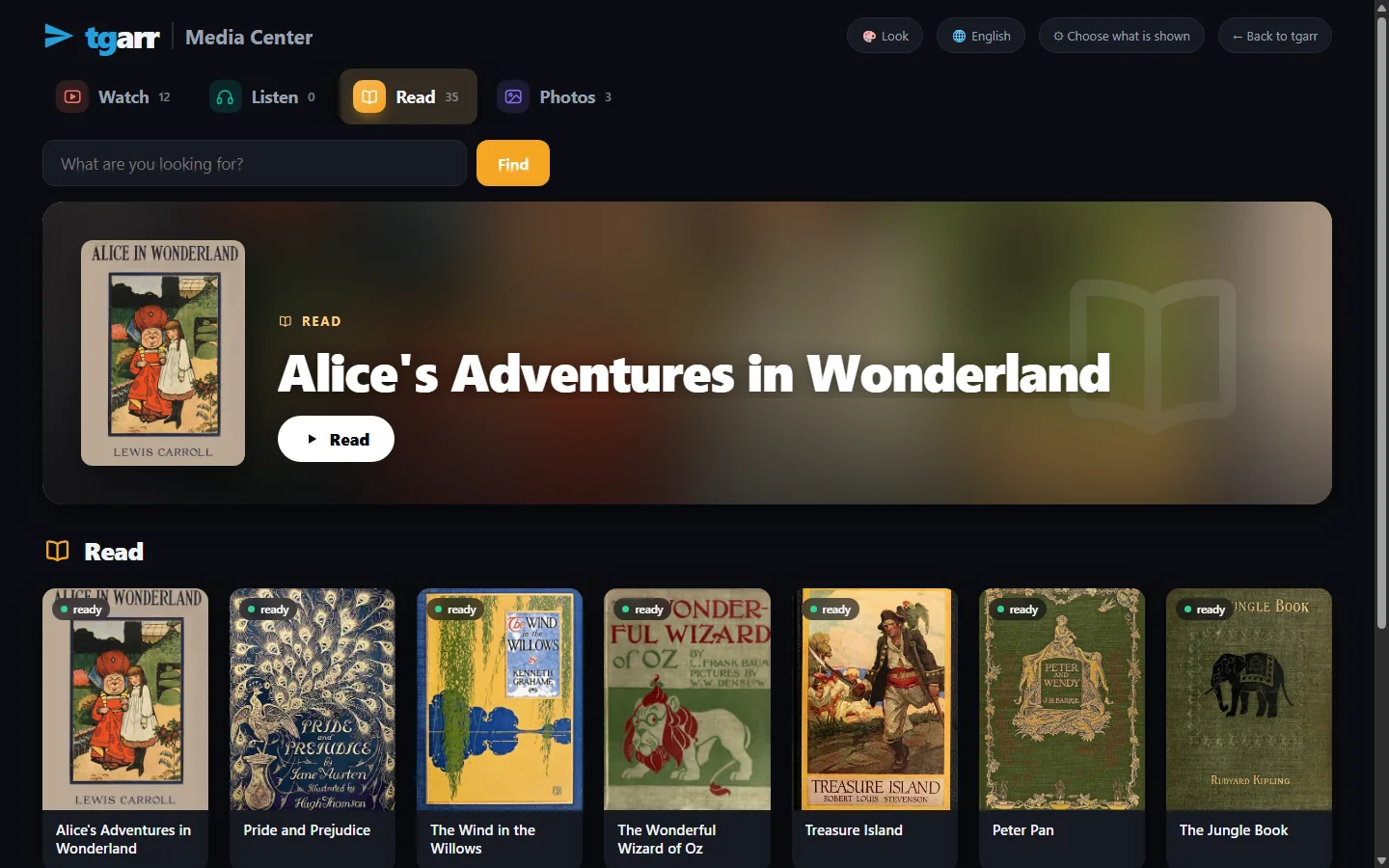
What is in itFour shelves
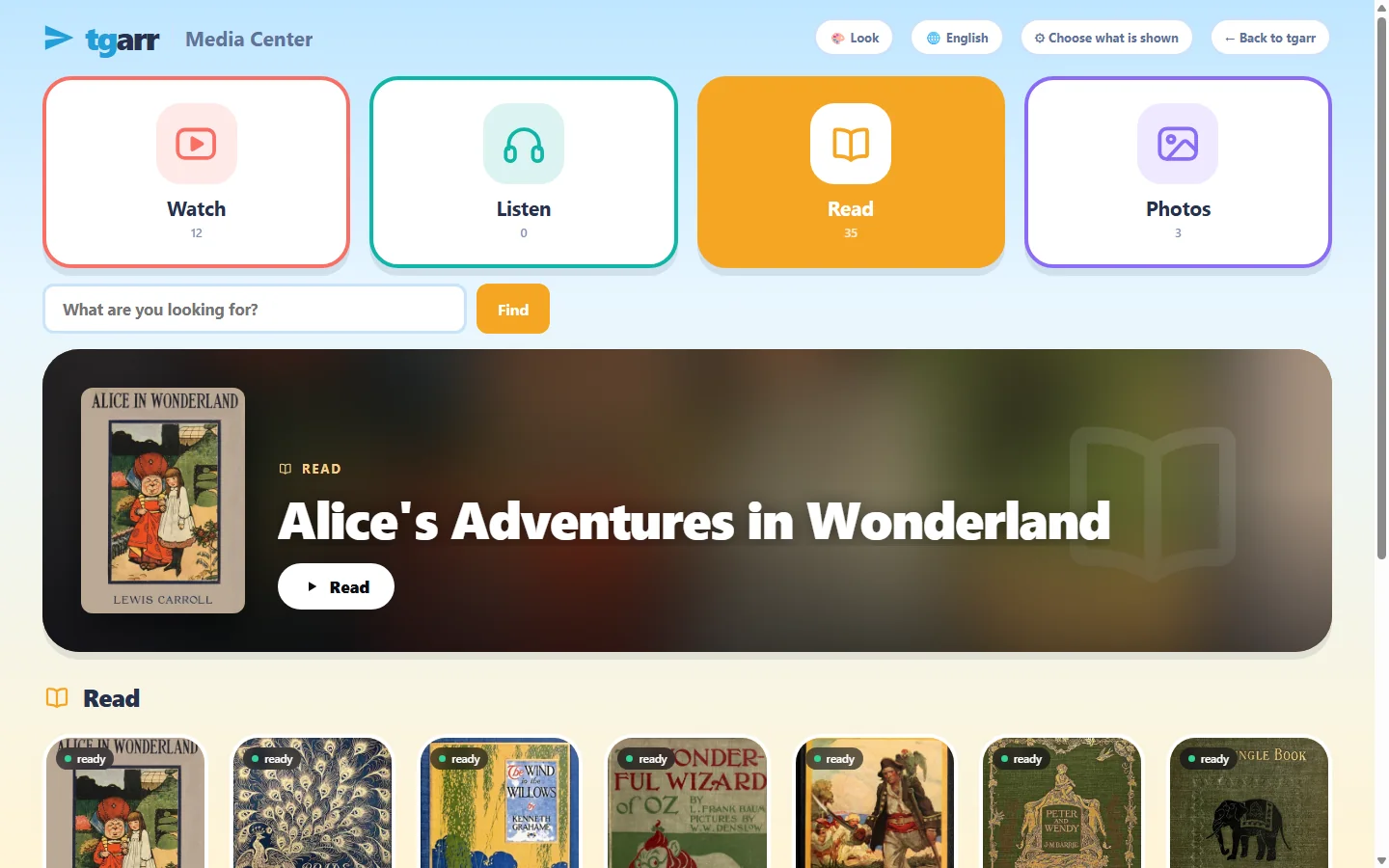
Watch
Films and series, started where they stopped. A file the device cannot decode - AV1 or HEVC on an older phone, a DVD image, an old avi - is converted while it is watched.
Listen
Music with a queue and lyrics, and audiobooks on a shelf of their own.
Read
Books, documents, comics and scanned books in tgarr's own reader, with Read aloud. What it opens.
Photos
Your pictures as a gallery and a slideshow.
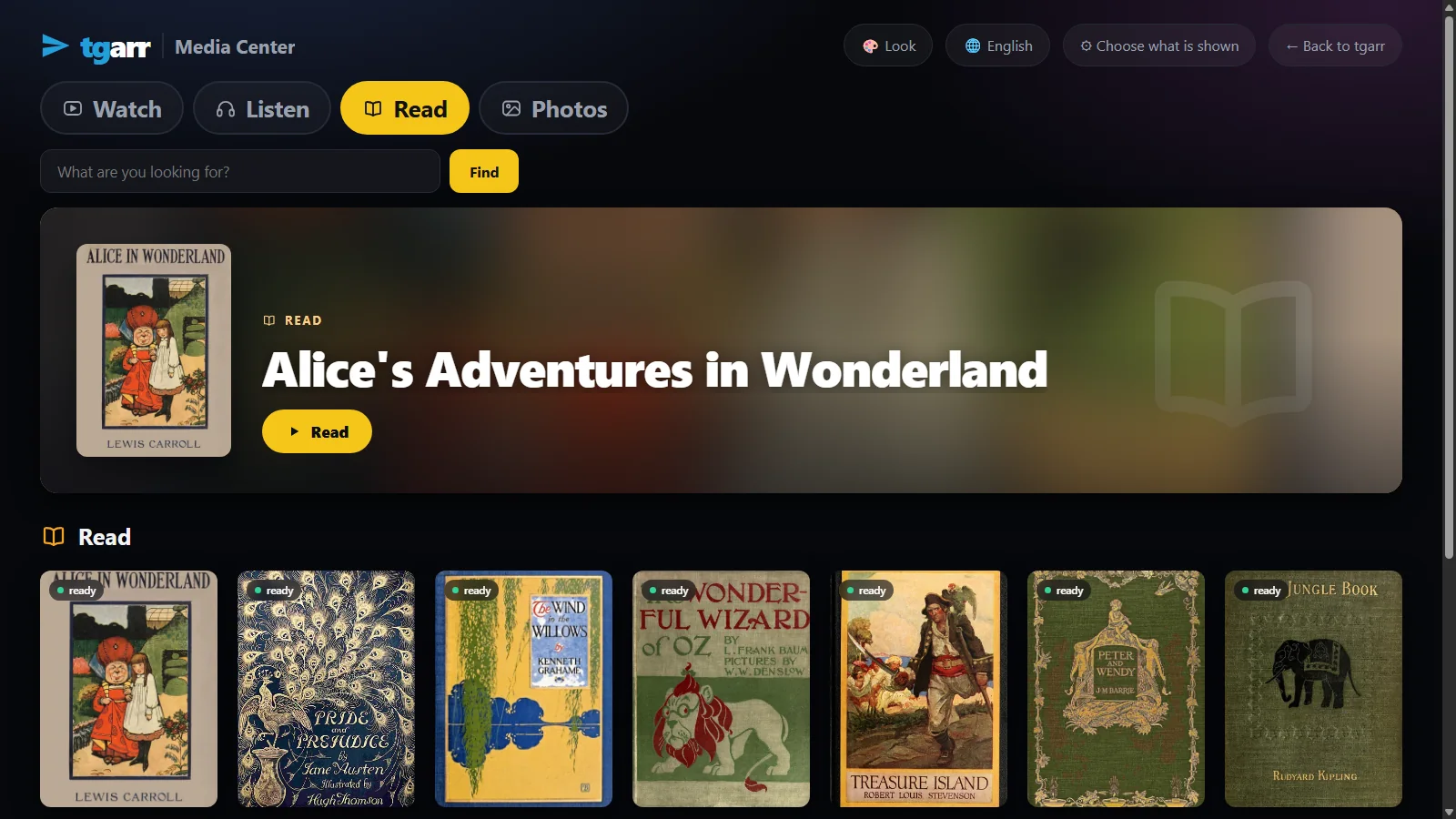
The first thing on a shelf gets a wide banner; the rest are large cards that a remote control can walk through.
Who sees whatA PIN, a list, and time
A PIN for you
Without it, a browser gets the Media Center and nothing else. The server refuses the rest, also by address. The browser that knows the PIN can stay unlocked for 30 days.
A list for them
Tick whole channels and folders or single files. New things in a ticked collection appear by themselves; nothing else does.
Time rules
Opening hours for school days and for weekends, minutes a day, a break after so long in one go. Counted only while something is on screen.
People
A PIN per child: time is counted per person across devices, and a person can have time rules of their own.
A record you keep
Time per person or device, and what was opened - on your machine only.
How it looksEight looks, twelve languages
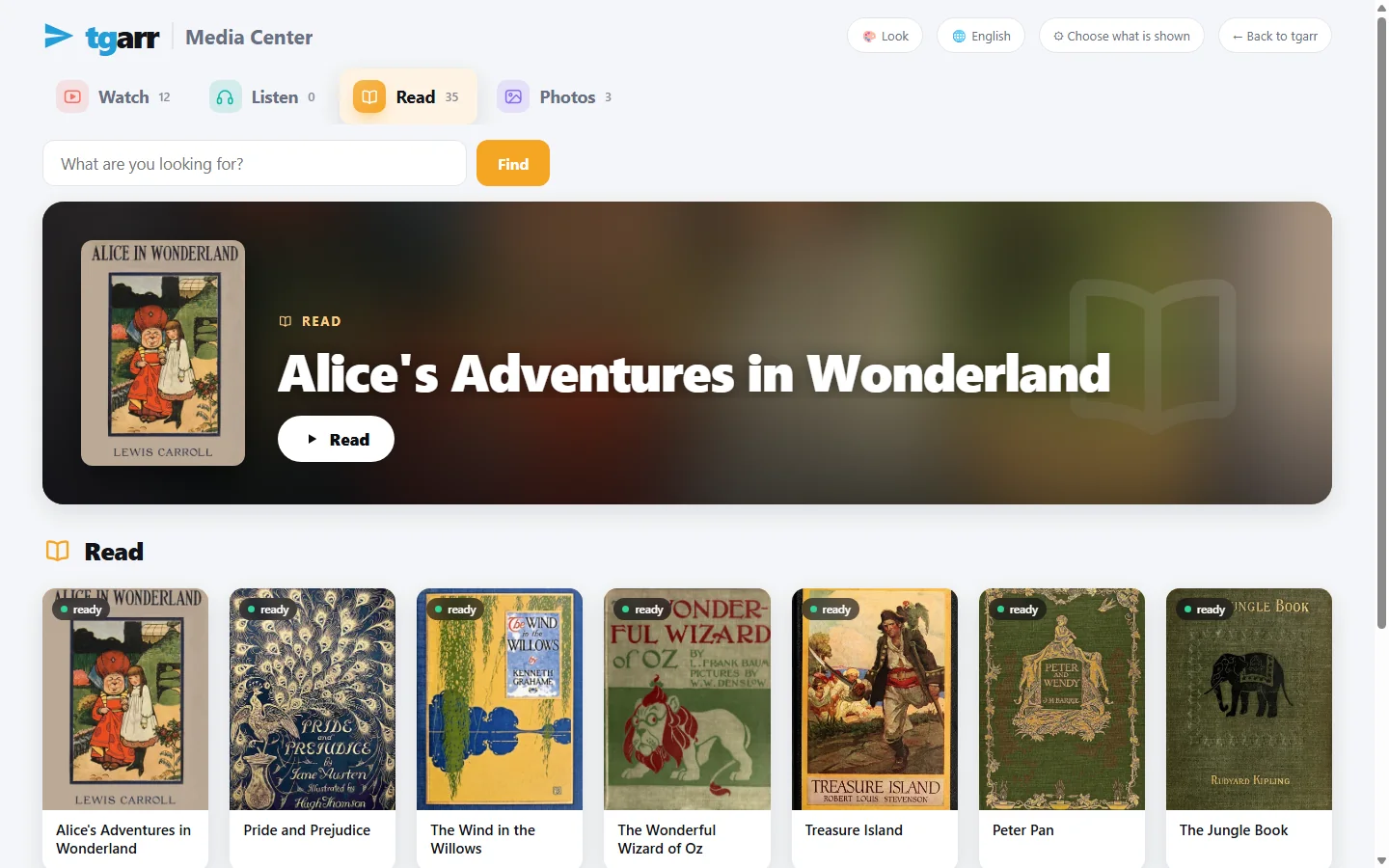
Each screen can choose its own look, and the household has a default: Day & Night that follows the device, Cinema - a dark room made for the television, which a TV starts in - Playroom with big round cards for the youngest, Paper, Aurora, and Clear with high contrast and large type.
The pages come in twelve languages and follow the browser of each screen; in Hebrew and Arabic the Media Center is laid out right to left.
Where it runsScreens
- Television: an app for Android TV, Google TV and Fire TV, driven by the remote. Get it.
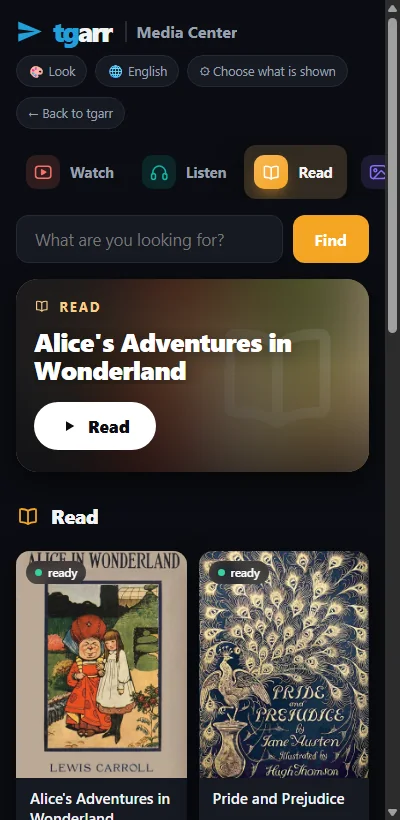
- Phone and tablet: Add to Home Screen from the Media Center page gives an icon that opens the Media Center alone - the one for a child's tablet.
- Anything with a browser: open the address.
InstallPut it on a computer that stays on
Windows 10 / 11
Download one file and double-click it - no terminal. It sets up WSL2, puts tgarr inside and opens the browser when it is done.
macOS
Open the zip and right-click install-tgarr.command → Open. It needs Homebrew; the installer adds Colima and puts tgarr inside. This installer has not yet been run from end to end on a real Mac.
Linux and NAS
One line on Linux:
curl -fsSL https://raw.githubusercontent.com/tgarrpro/tgarr/main/install/install.sh | bashOn Synology, QNAP, Unraid, TrueNAS or CasaOS: two files and docker compose up -d. On a NAS
Television
Android TV, Google TV, Fire TV: this 20 kB app is a frame around the Media Center of the tgarr at home, driven by the remote.
No account of any kind is needed to begin. It takes about 3 GB of disk and 4 GB of memory to spare, and keeps itself up to date. The full instructions.
QuestionsAsked often
Is the PIN a real lock or only a hidden menu?
A real one. A browser that has not entered the PIN is refused by the server for every page and every file that is not on the Media Center list - typing an address does not help. Uploading, settings and search are closed as well.
Does the television need its own install?
No. The app for Android TV, Google TV and Fire TV is a 20 kB frame around the Media Center of the tgarr you already run; it is driven by the remote. Any television with a browser can open the address too.
Can I use Plex, Jellyfin or Kodi instead?
Yes, and many do: tgarr also works as an indexer for Sonarr and Radarr, which fill the folders those players read. The Media Center is for households that want one thing to install - and for books, audiobooks and a children's list, which film players do not do.
Can two children have different time limits?
Yes. Give each a PIN of their own; a person can have time rules of their own, and time is counted per person on whatever device they use. Breaks are the same for everybody.