FormatsWhat it opens
| Books | .epub .mobi .azw .azw3 .prc .fb2 .txt .chm |
|---|---|
| Documents | .pdf .docx .odt .rtf .html .md |
| Slides and sheets | .pptx .xlsx .csv |
| Notebooks and data | .ipynb .json .yaml .toml |
| Scanned books | .djvu - made into pages the first time it is opened |
| Comics | .cbz .cbr - a real RAR too, page by page |
DetailsDone properly
Plain text, laid out
The characters are worked out (UTF-8, GBK, Big5, Shift-JIS, EUC-KR, Windows-1251/1252), a text cut at 72 columns gets its paragraphs back, and chapters are found from their headings - 第三章, Chapter 3, Part Two.
Kindle books
.mobi and .azw3 open with their own contents list, pictures and cover - when they are not copy-protected.
Office and study files
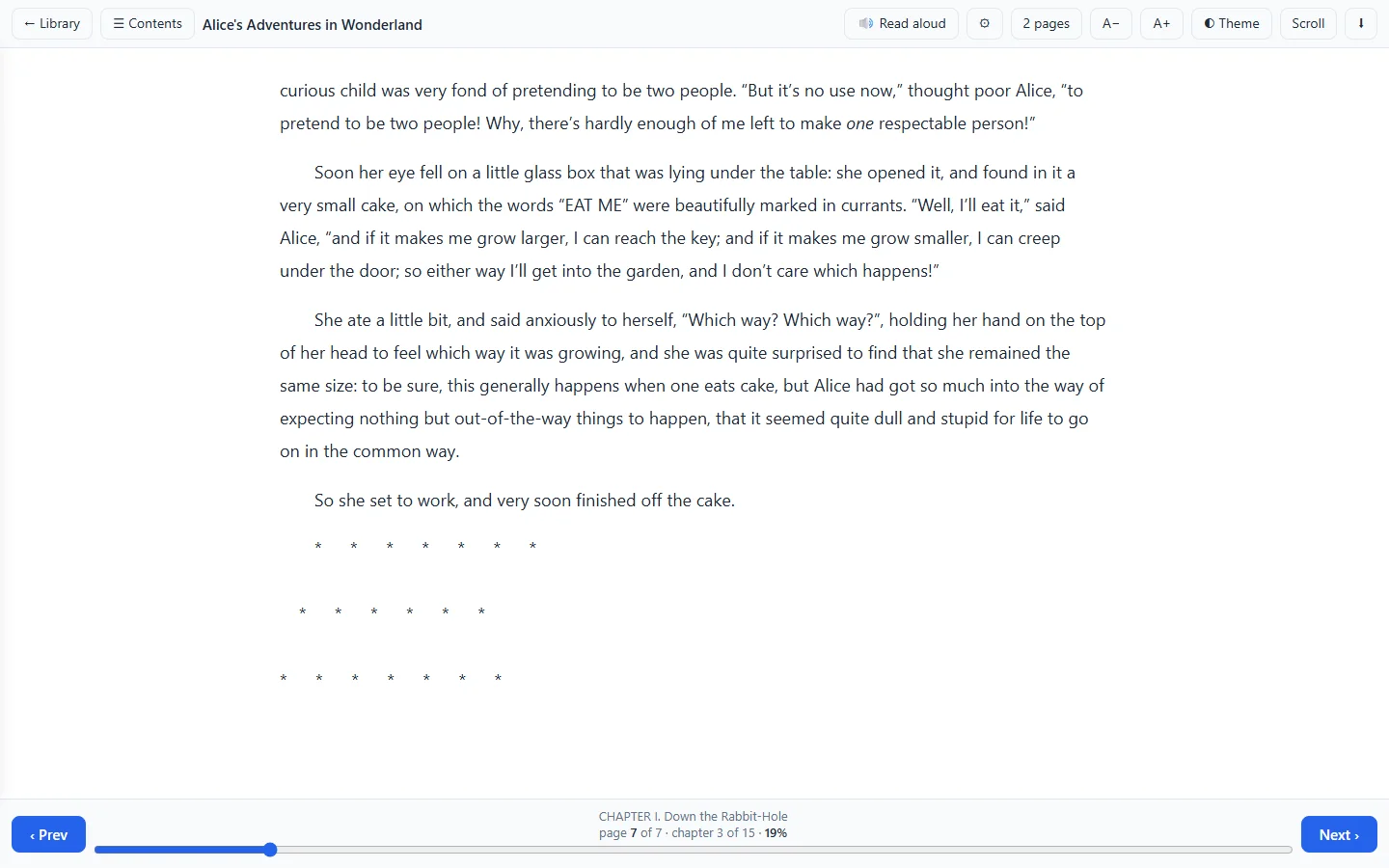
Slides are a chapter a slide; sheets are a table a sheet, dates shown as dates; notebooks show their notes, their code and what the code printed or drew; Markdown is read, not shown as marks.
Read aloud
A button in every reader. With the optional voice it is done on your machine, in Chinese and in English; otherwise with the device's own voices. Speed and voice can be chosen.
Comfort
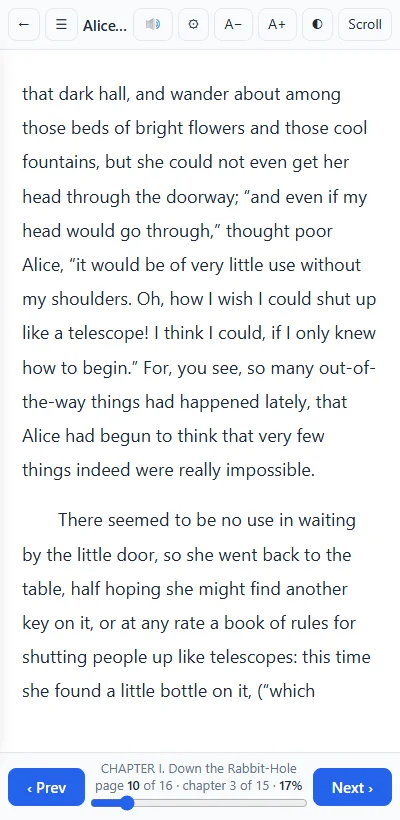
Type size, light, sepia and dark pages, one page or two, turning pages or scrolling, arrows, space and swipe.
Careful with what it opens
A book's markup is rebuilt from a short list of harmless tags and shown without scripts; pictures are served only when their first bytes say they are pictures; unpacking is bounded.
Where books come fromThe Library
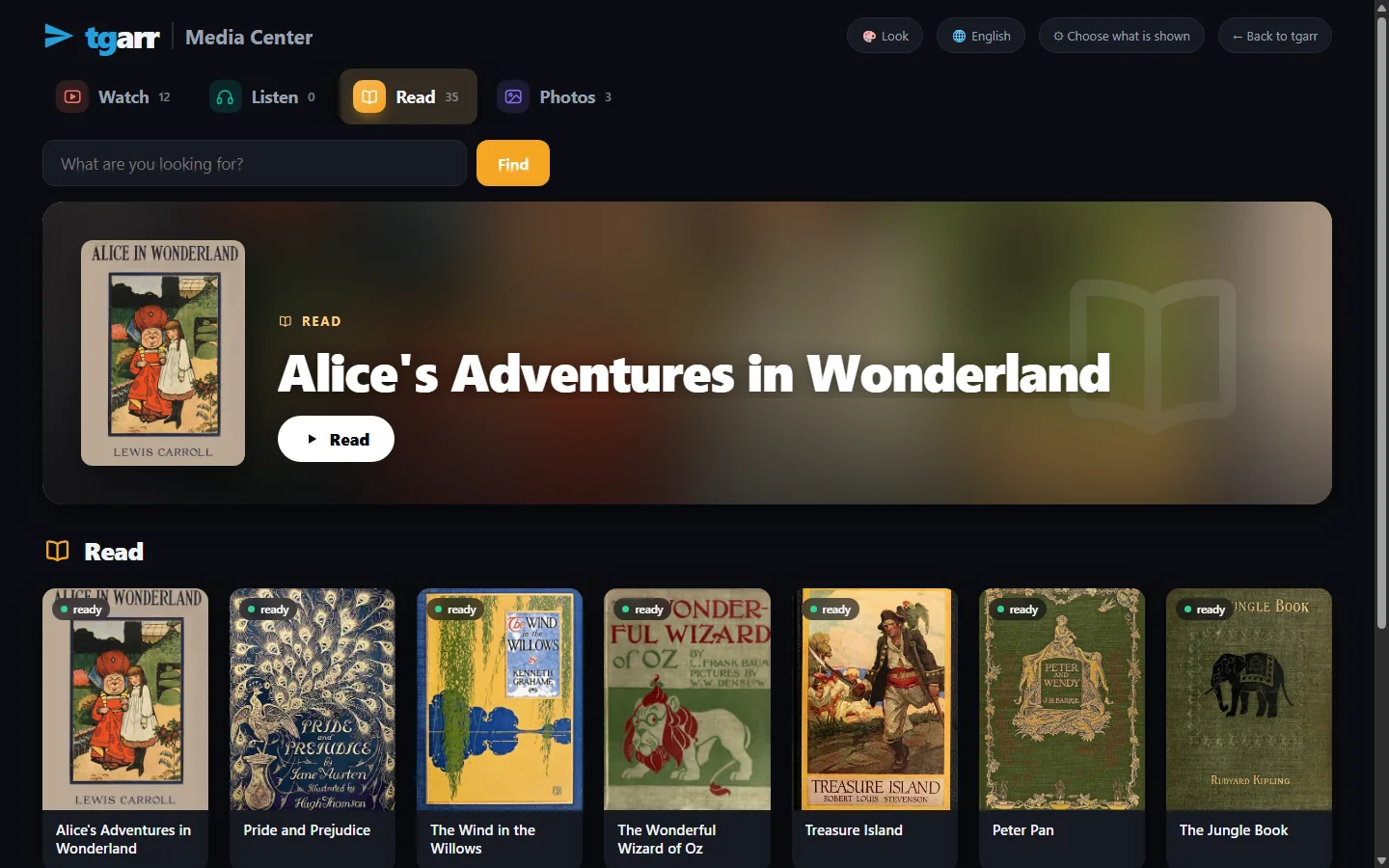
The Library lists every book tgarr knows: your own files, what you fetched from the Internet Archive, and what the Telegram channels and newsgroups you follow carry - with covers taken from the books themselves, a filter by language and source, and audiobooks on a shelf of their own. The household reads them in the Media Center.
QuestionsAsked often
Do I need calibre or a converter?
No. Since 0.5.13 tgarr reads every format below by itself; nothing is converted first and nothing extra is downloaded.
Does it open copy-protected (DRM) books?
No. A protected Kindle or Adobe book can only be opened by the reader it was bought for; tgarr says so and offers the file for download.
Can it read aloud offline?
Yes, with the optional voice installed (Settings, Voice): Chinese and English are read on your own machine. Without it the browser's own voices are used.
Does it remember where I was?
Yes, per book, in the browser you read it in.