The comic readerWhat it does
.cbz and .cbr
Both open. The file is told by its first bytes, not its ending: a zip is read as a zip, a real RAR as a RAR. Pages can be JPEG, PNG, GIF, WebP or AVIF.
In the right order
Pages are put in the order a person would: page2 before page10. What a Mac leaves inside an archive (__MACOSX, dot files) is left out.
One strip to scroll
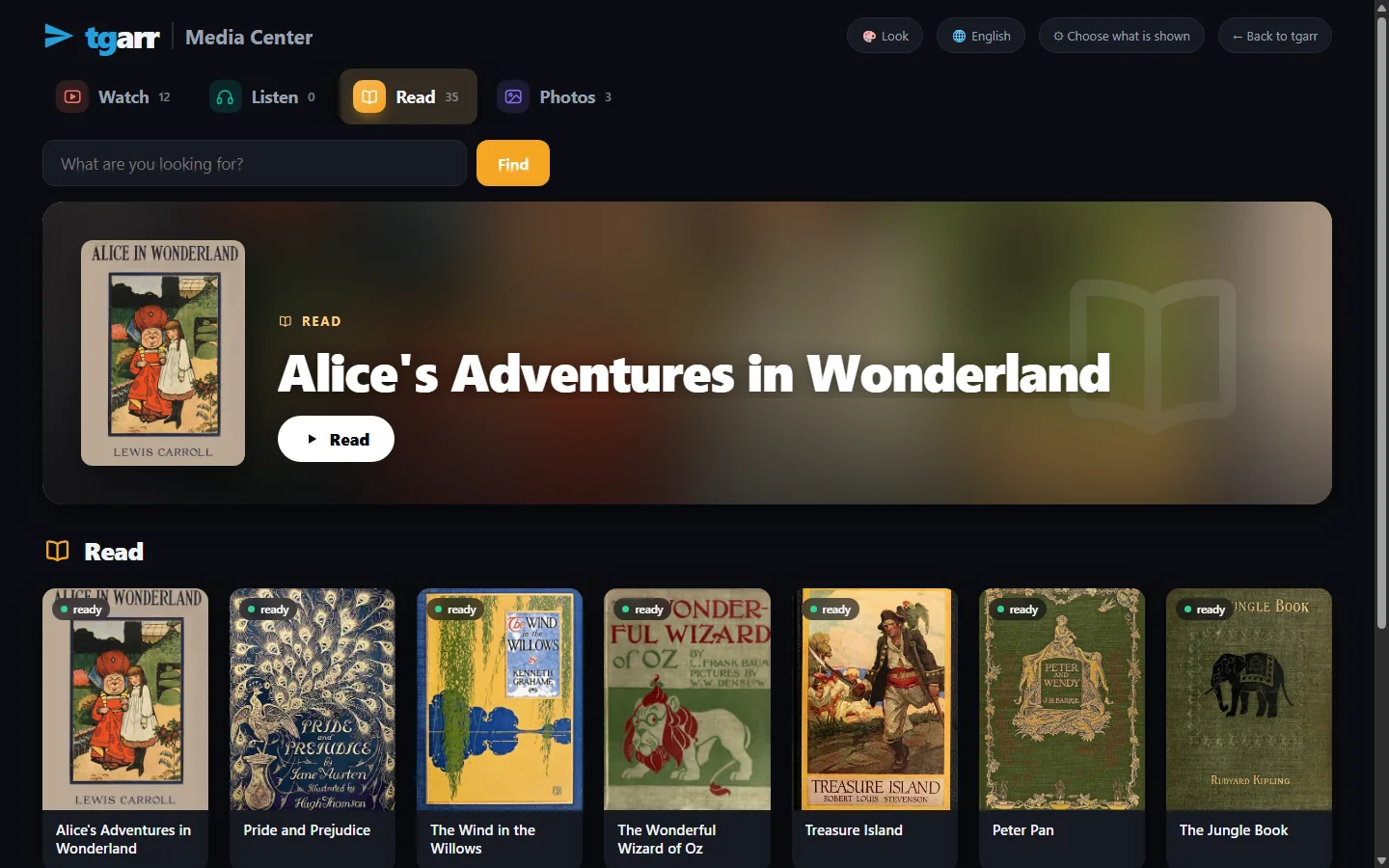
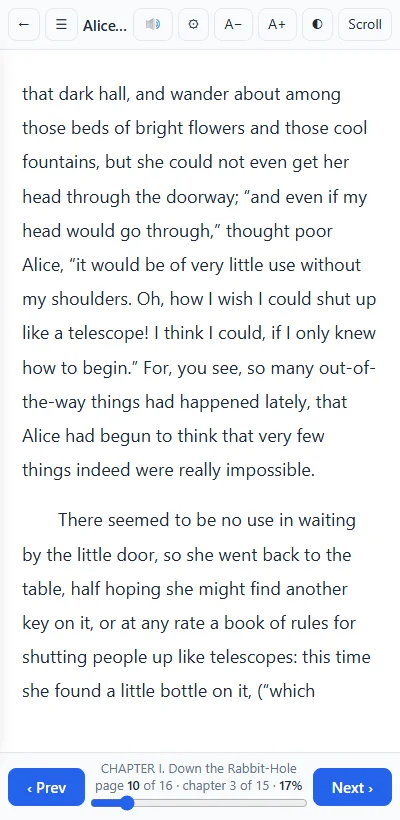
The comic is one column from the first page to the last. Scroll with the wheel, a finger or the browser's own keys. A counter shows the page you are on, such as 12 / 180.
Two widths
One button, wider: pages at a comfortable width, or as wide as the window. A page is never wider than the screen, so it fits a phone.
Where you stopped
The page is kept per comic, in the browser you read in. Open the comic again and it goes there.
A page at a time
The archive is never unpacked whole, so a scan of hundreds of megabytes opens as fast as a small one. Pages are fetched as you reach them, and the page allows no script from inside a file.
A download button gives the file as it is. A comic tgarr cannot show - an archive that is neither a zip nor a RAR, or one with no pictures in it - is kept for download and tgarr says so.
MaterialWhere comics come from
- Your own files. On My files, drop
.cbzand.cbrfiles in the browser or choose a whole folder. They appear in the Library with the books. - The Internet Archive - no account. Its Books and magazines shelf on the Archive page holds scanned comics too. Get takes one readable copy of an item: the EPUB when there is one, else the PDF, else the
.cbzor.cbr. So an Archive comic often arrives as a PDF and opens in the PDF reader. How tgarr uses the Archive. - Usenet, if you have a provider: the Usenet page has a Comics shelf, filled from the comic newsgroups and from posts named
.cbzor.cbr. tgarr fetches those itself. About Usenet. - Telegram channels you follow: the files they carry are indexed, and a click fetches one.
tgarr comes empty and recommends nothing. What you add is yours to choose and to answer for.
For childrenComics on the Read shelf
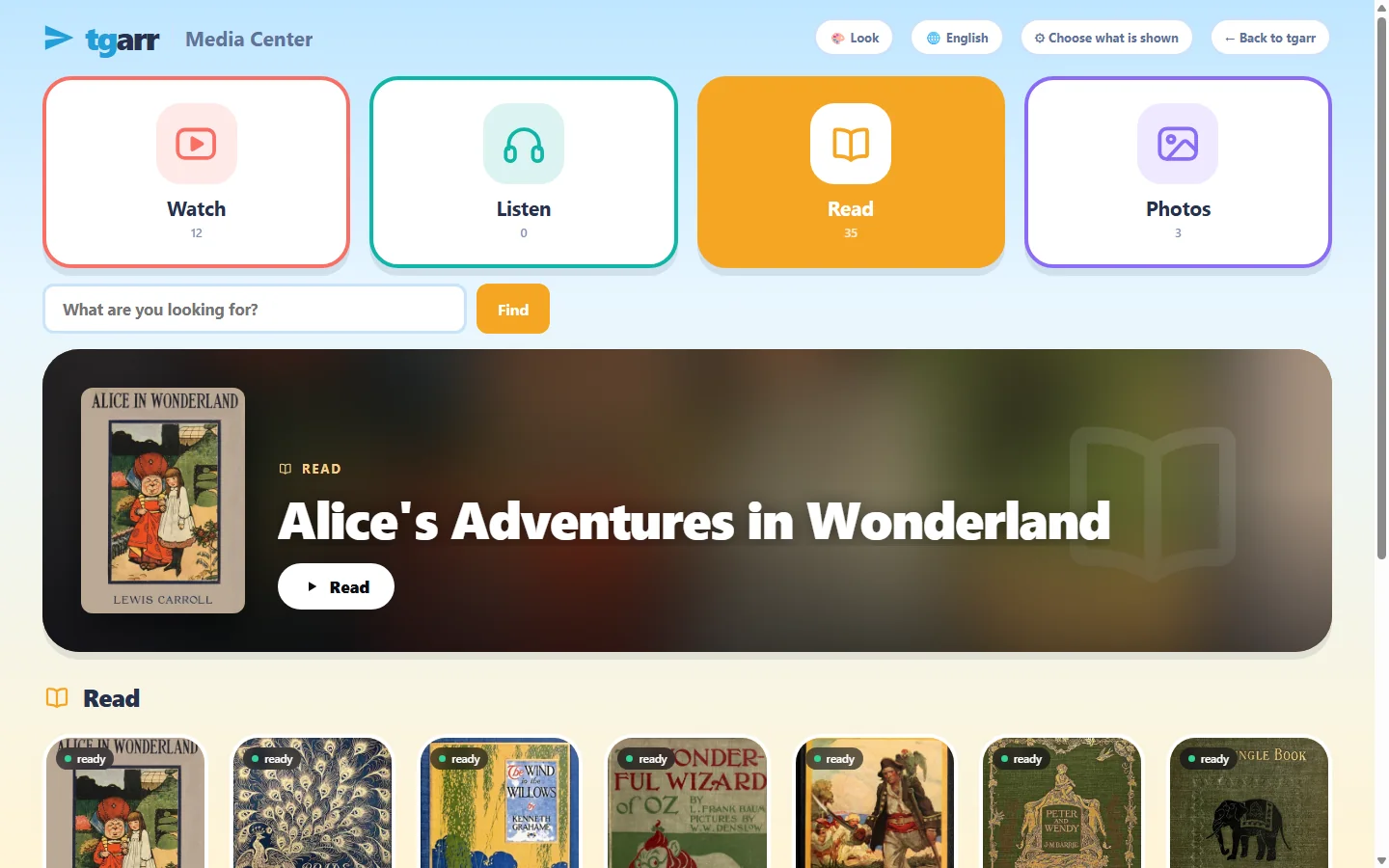
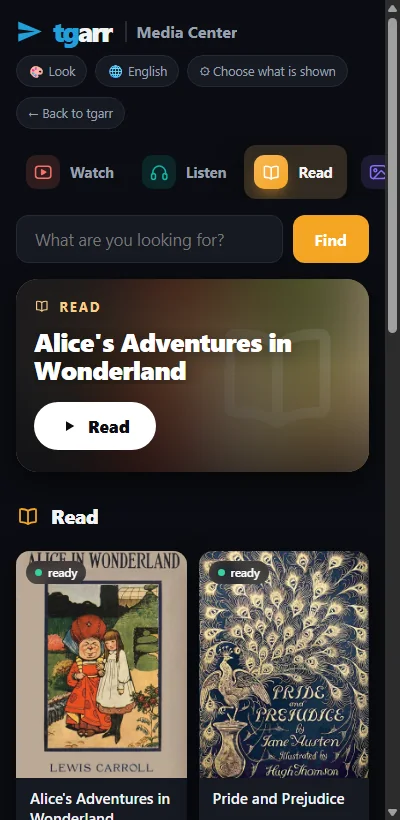
In the Media Center comics stand on the Read shelf beside the books. Set a PIN, tick the comics - or the whole collection - a child may have, and that is all a browser without the PIN can open.
A list, not a rating
Only what a parent ticked exists there. A comic that is not ticked is refused by the server, page by page, also when the address is typed by hand.
Time rules
Opening hours, minutes a day and breaks hold for reading comics as for everything else. For family learning.
A record you keep
What was opened is noted per child or per device, on your machine only.
A comic's card on the shelf shows its name and a book sign, not its first page: tgarr makes covers for books and PDFs, not yet for comics.
The same shelfWhat else opens there
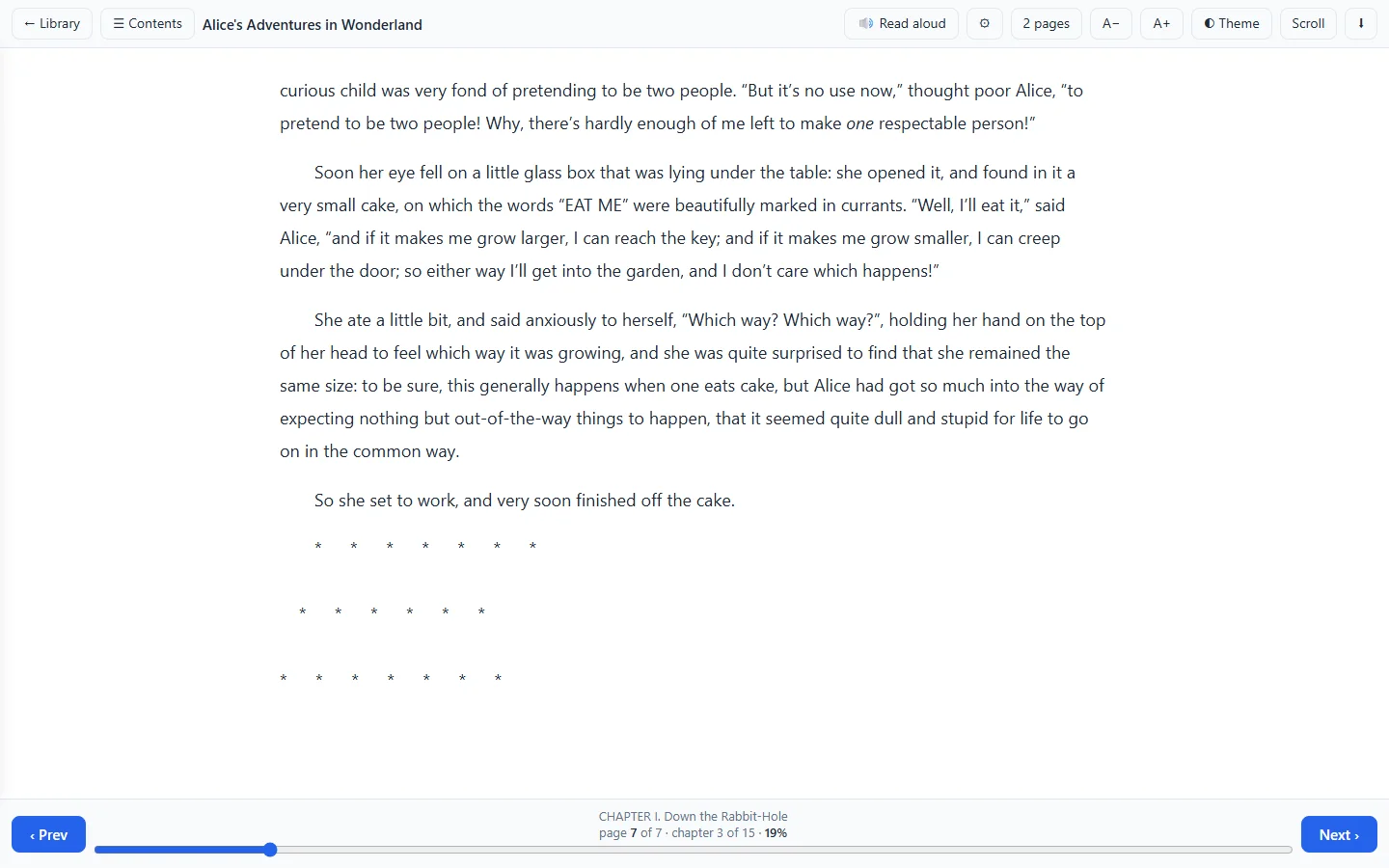
The comic reader is one of tgarr's readers. A comic that came as a PDF opens in the PDF reader, which has Fit page, Fit width, Fit height and two pages side by side. EPUB, Kindle books, scanned .djvu, plain text and office files open in theirs, with Read aloud. Everything the reader opens.
HonestlyWhat it does not do
- No page turning, no two-page spread, no right-to-left mode. The comic reader is a strip to scroll, with two widths.
- No series or volumes. A comic is a file with a name. There are no reading lists, no collections, and nothing is read from a comic's own description file.
- No covers for comics on the shelves.
- No OPDS, so no reading from a separate comic app.
- No progress across devices. The page is kept in each browser by itself.
- Only
.cbzand.cbras comic archives. Other kinds are kept for download. - No phone apps. It is a web page.
For a large comic or manga collection, Kavita and Komga are the specialists. tgarr suits a household that wants its comics beside its books, films and audiobooks, on one list for the children. How tgarr compares.
InstallPut it on a computer that stays on
Windows 10 / 11
Download one file and double-click it - no terminal. It sets up WSL2, puts tgarr inside and opens the browser when it is done.
macOS
Open the zip and right-click install-tgarr.command → Open. It needs Homebrew; the installer adds Colima and puts tgarr inside. This installer has not yet been run from end to end on a real Mac.
Linux and NAS
One line on Linux:
curl -fsSL https://raw.githubusercontent.com/tgarrpro/tgarr/main/install/install.sh | bashOn Synology, QNAP, Unraid, TrueNAS or CasaOS: two files and docker compose up -d. On a NAS
Television
Android TV, Google TV, Fire TV: this 20 kB app is a frame around the Media Center of the tgarr at home, driven by the remote.
No account of any kind is needed to begin. It takes about 3 GB of disk and 4 GB of memory to spare, and keeps itself up to date. The full instructions.
QuestionsAsked often
Does it open .cbr files that are real RAR archives?
Yes. tgarr looks at the first bytes of the file, not at its ending: a zip is read as a zip, and a real RAR is read with bsdtar, which comes inside tgarr's own image. Either way one page is taken out at a time.
Do I turn pages or scroll?
You scroll. A comic is shown as one strip from the first page to the last, and pages load as you reach them. A counter shows where you are, and one button switches between pages of a comfortable width and pages as wide as the window. There are no page-turn buttons and no two-page view in the comic reader.
Does it remember the page?
Yes, per comic, in the browser you read it in. Open the comic again there and it goes to that page. It is not carried to another device.
Is there a right-to-left mode for manga?
No. Manga opens and reads well as a strip, top to bottom, but there is no right-to-left paging and no two-page spread. Kavita and Komga have those.
Can children read comics without reaching the rest?
Yes. Comics stand on the Read shelf of the Media Center beside the books. With a PIN set, a browser without it gets only the comics a parent ticked, and the time rules apply. A comic that is not ticked is refused by the server, also by address.
Does it manage series and volumes, or offer OPDS?
No. A comic is a file with a name, listed in the Library with the books. There are no series, volumes, reading lists or collections, no OPDS feed, and no progress shared between devices. Kavita and Komga are made for that.